8 Best Angular Image Croppers for 2026
- Publish date
Looking for an image cropper for your Angular app? Here are eight options great options.
What Is an Angular Image Cropper?
An image cropper lets users select part of an image before saving or uploading it. Common uses include profile pictures, product thumbnails, and social media headers. Some components also resize, rotate, or export the result as a Blob or Base64 string.
The 8 Best Angular Image Croppers
ngx-image-cropper
A dedicated Angular component with aspect-ratio controls, round crop previews, rotation, and Blob or Base64 output. It accepts a file input event, a File, Base64 data, or an image URL, making it a good starting point for a standard upload flow.
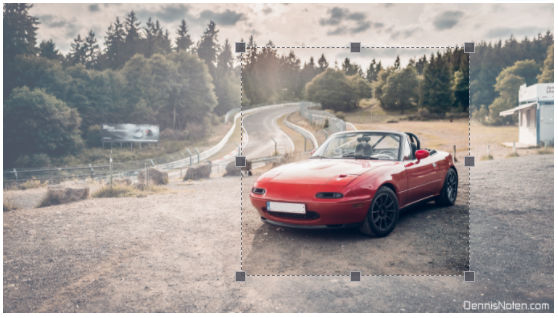
The project is open source and actively updated.
ngx-smart-cropper
A standalone Angular cropper aimed at user-facing upload screens. It provides drag-and-resize handles, fixed or free aspect ratios, mobile support, and a cropped Base64 result.
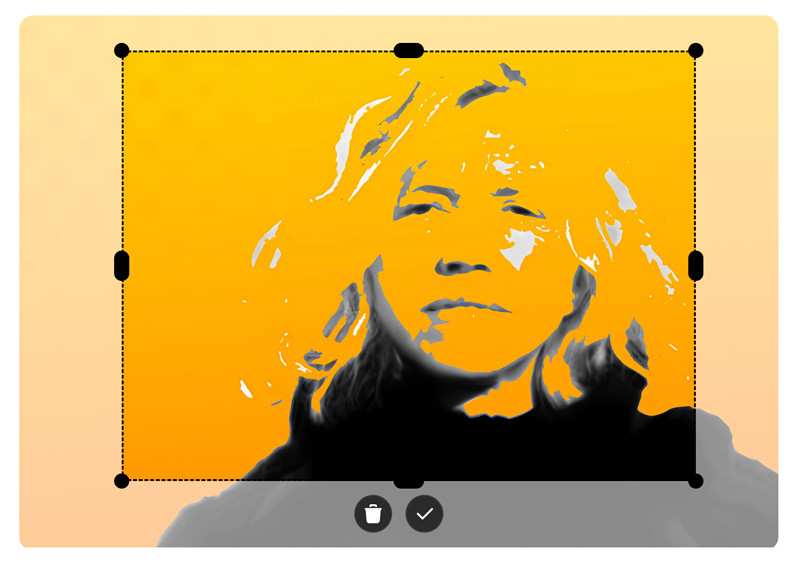
This open-source component targets newer Angular versions; its README lists which library releases support Angular 19 and later.
Pintura Image Editor for Angular
Pintura is a full image editor, but you can configure it to show only the crop tool with utils: ['crop']. It supports responsive image editing and integrates with Angular through @pqina/angular-pintura; see the Angular installation guide.
Unlike the other options here, Pintura is an actively maintained commercial product, not open source. It is a great choice when you need a fully functional and well supported image editor that works perfectly on any device.
ngx-smart-image-cropper
A standalone cropper for Angular 21 with rectangular and circular selections, keyboard controls, zoom, rotation, and undo/redo. It can export a Blob, File, or Base64 image through its export helpers.
It specifically targets Angular 21.
Alyle UI Image Cropper
Alyle UI includes an image-cropper component for selecting and adjusting a crop. The cropper grew out of the older Angular resizing and cropping demo
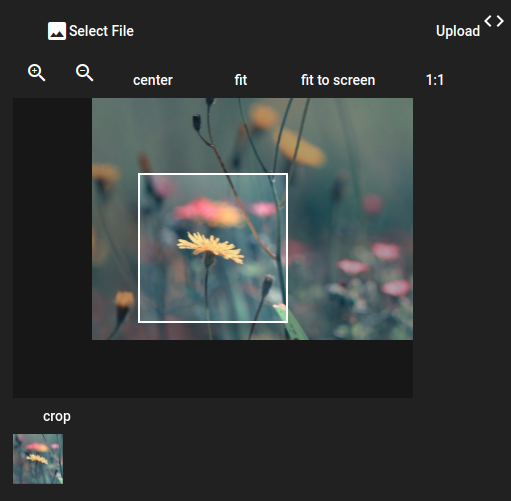
Alyle UI is a full component library rather than a cropper-only package.
ngx-img-cropper
A canvas-based cropper with configurable output dimensions, touch controls, aspect-ratio constraints, and an optional rounded selection. It continues the work of the deprecated ng2-img-cropper project.
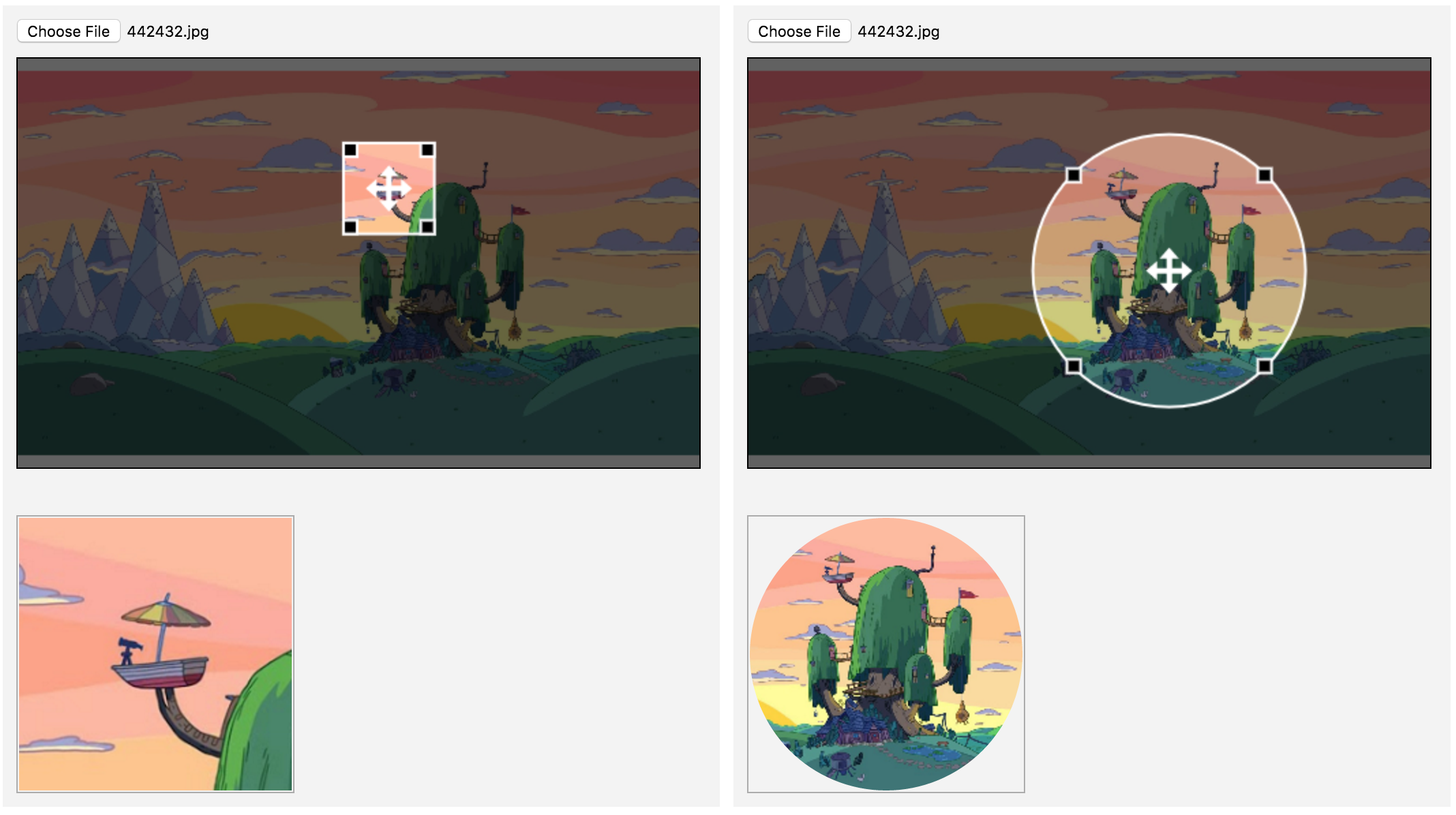
An open-source library with a long history.
Image Resizer Cropper
A small Angular cropper with configurable crop dimensions, a circular crop area, a preview, and Base64 output. Compatible with Angular Universal for server-rendered apps.
It was built for Angular 7 and has not seen recent development.
ng2-image-cropper
A canvas-based Angular 2 cropper that offers fixed or freeform crop selections. Its API can return either an image Blob for upload or a data URL for displaying the result.
This project targets the early Angular 2/4 era.
Conclusion
For a focused crop-and-upload flow there's many good croppers to choose from, but always check the Angular version required by a components latest release as it differs greatly per project.
Need more than cropping or you're looking for a battle tested solution? Try Pintura for free.
